
Who can see what, and how it is kept that way
People join a company workspace with a role and are added to projects. This page describes the access model and the security measures in the product, in plain terms and without certifications to quote.
Admin, manager, member
Everyone in a workspace has one of three roles: admin, manager or member. On top of the role, people are members of specific projects, and that membership decides which boards they can open.
- Invite by email: each invitation carries a personal invitation link
- A company profile, a working calendar and holiday calendars
- Each person sets their own calendar and notification preferences
In the demo, Northwind Studio has seven people: one admin, two managers and four members.
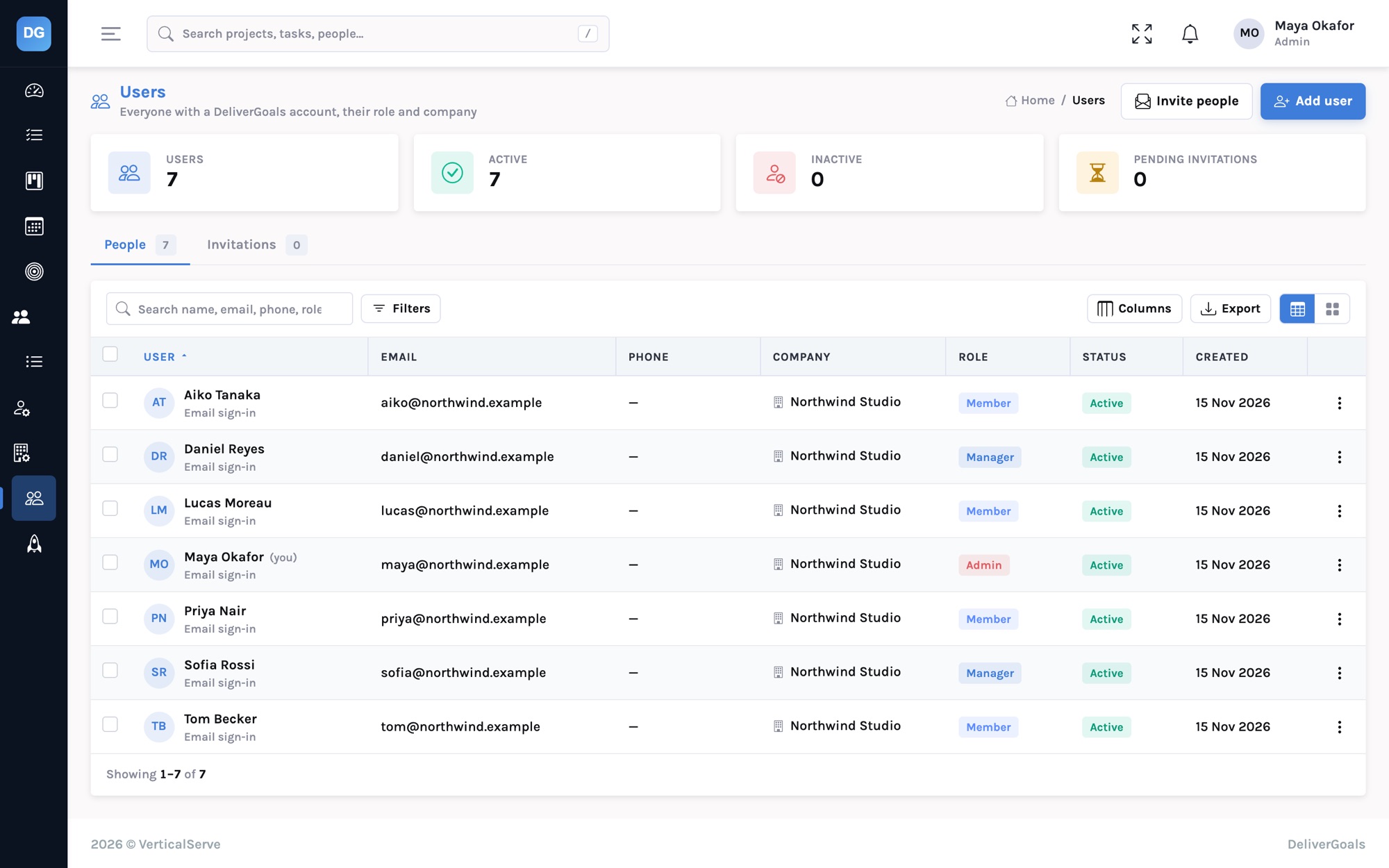
Google, or email and password
People sign in with Google or with an email address and a password that must meet the password policy.
- Account lockout and rate limiting on sign-in slow down password guessing
- Sign out everywhere ends your sessions on all devices
- Sessions use short-lived signed access tokens with rotating refresh tokens
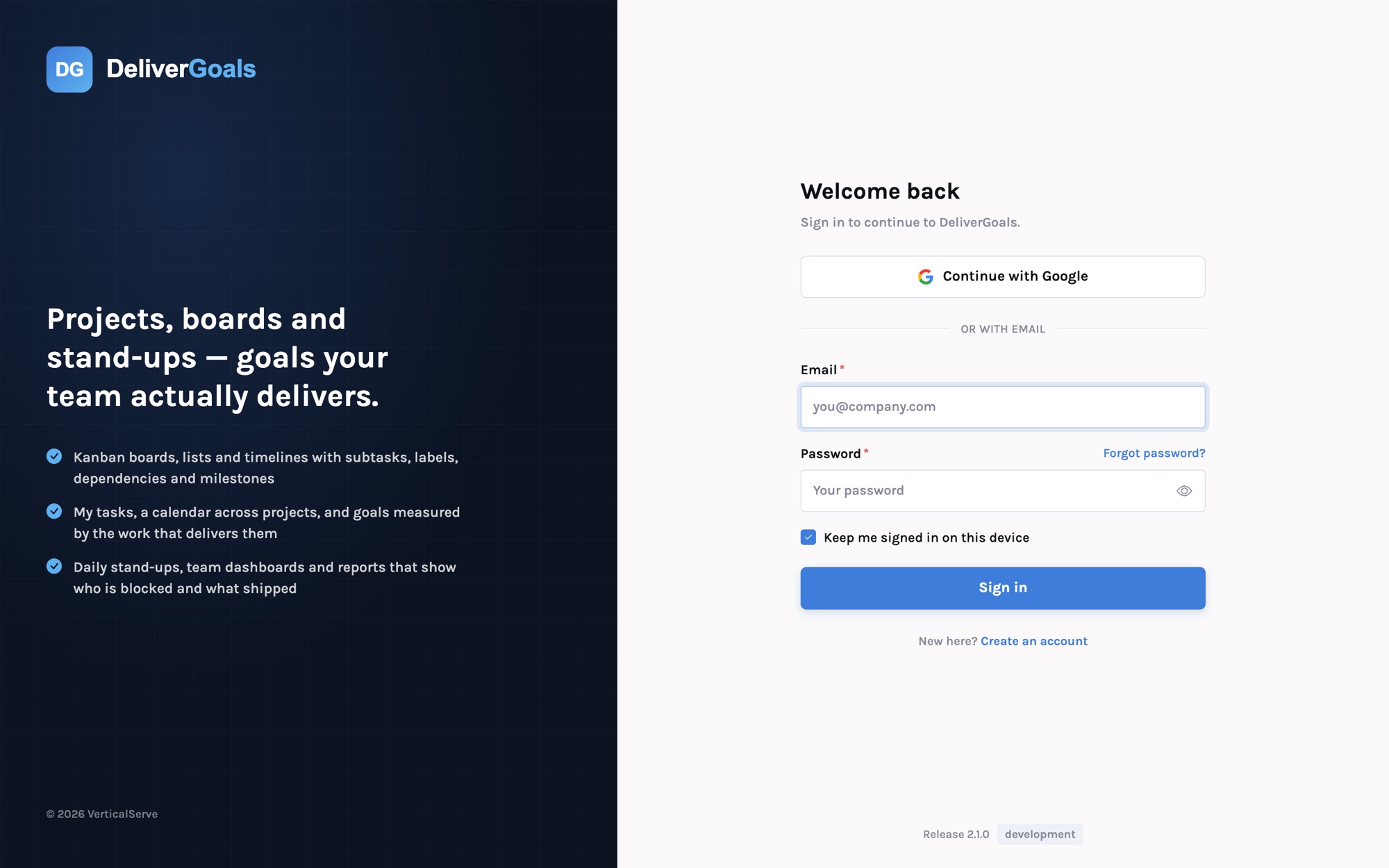
Bring a client in, and only to their project
Invite someone outside the company as a guest on a project. They can read that project, comment, add files and complete the tasks assigned to them — and nothing else: no other projects, people, reports, settings or AI. Guests do not use a seat. Every page is closed to guests unless it is on a short, explicit list, so new features start closed.
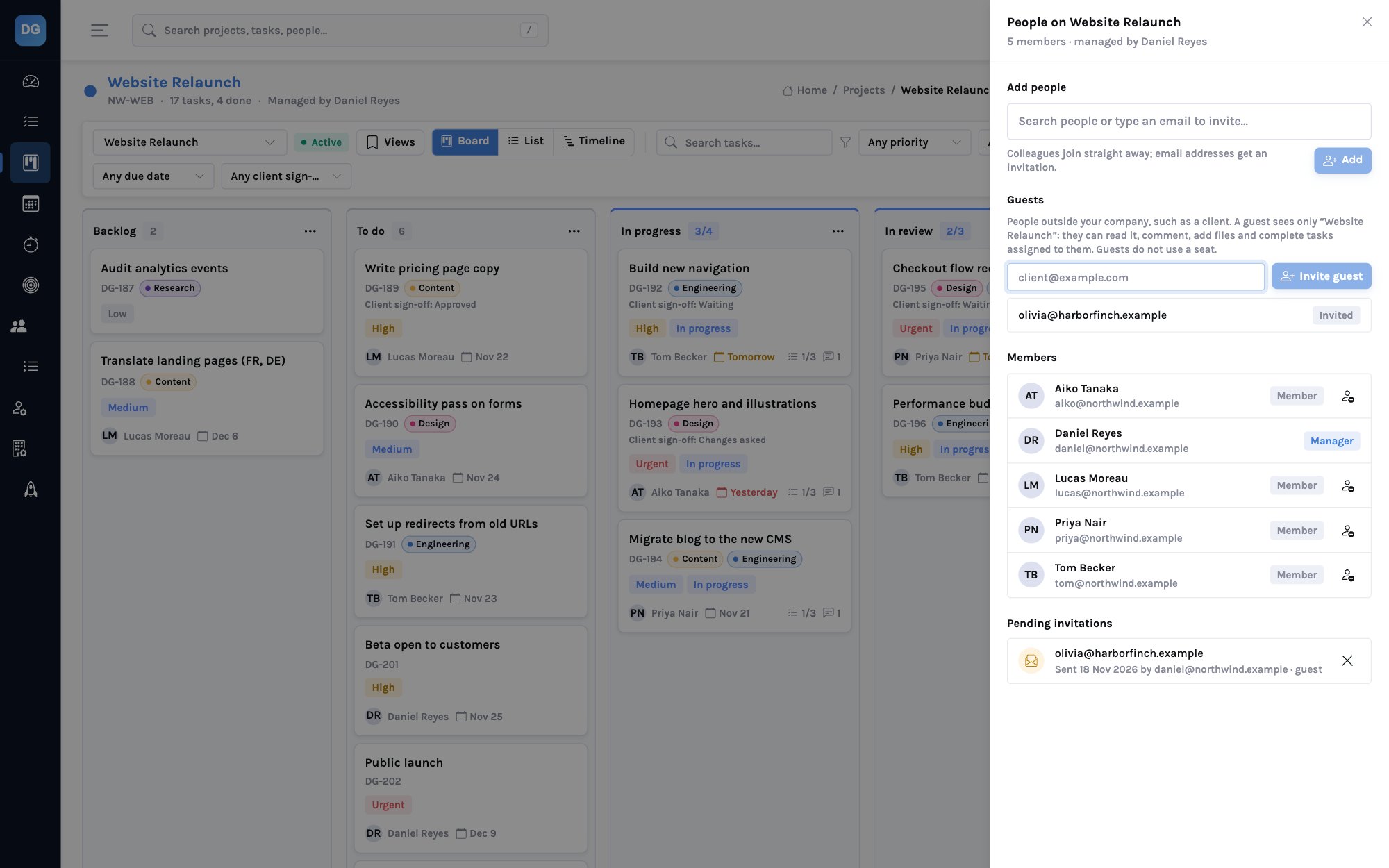
A code from your phone, after your password
Anyone with a password can add two-factor sign-in with an authenticator app (Google Authenticator, Microsoft Authenticator, 1Password and others), and gets ten single-use recovery codes.
- Admins can require it for managers and admins, or for everyone; people not yet enrolled are sent to set it up
- An admin can reset it for someone who lost their phone
- Wrong codes count toward the account lockout
- Google sign-in relies on Google’s own 2-Step Verification
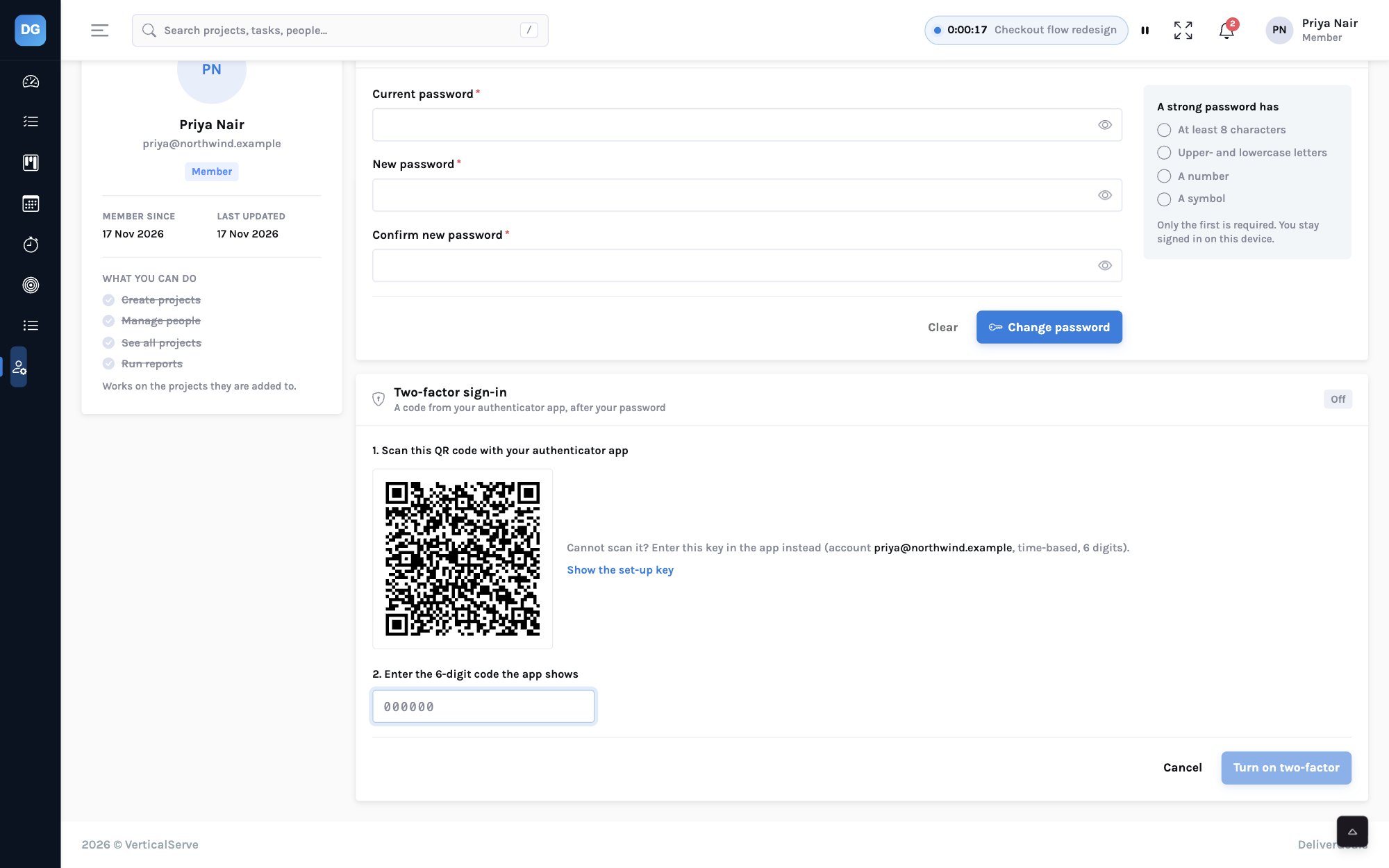
Who signed in, and what changed
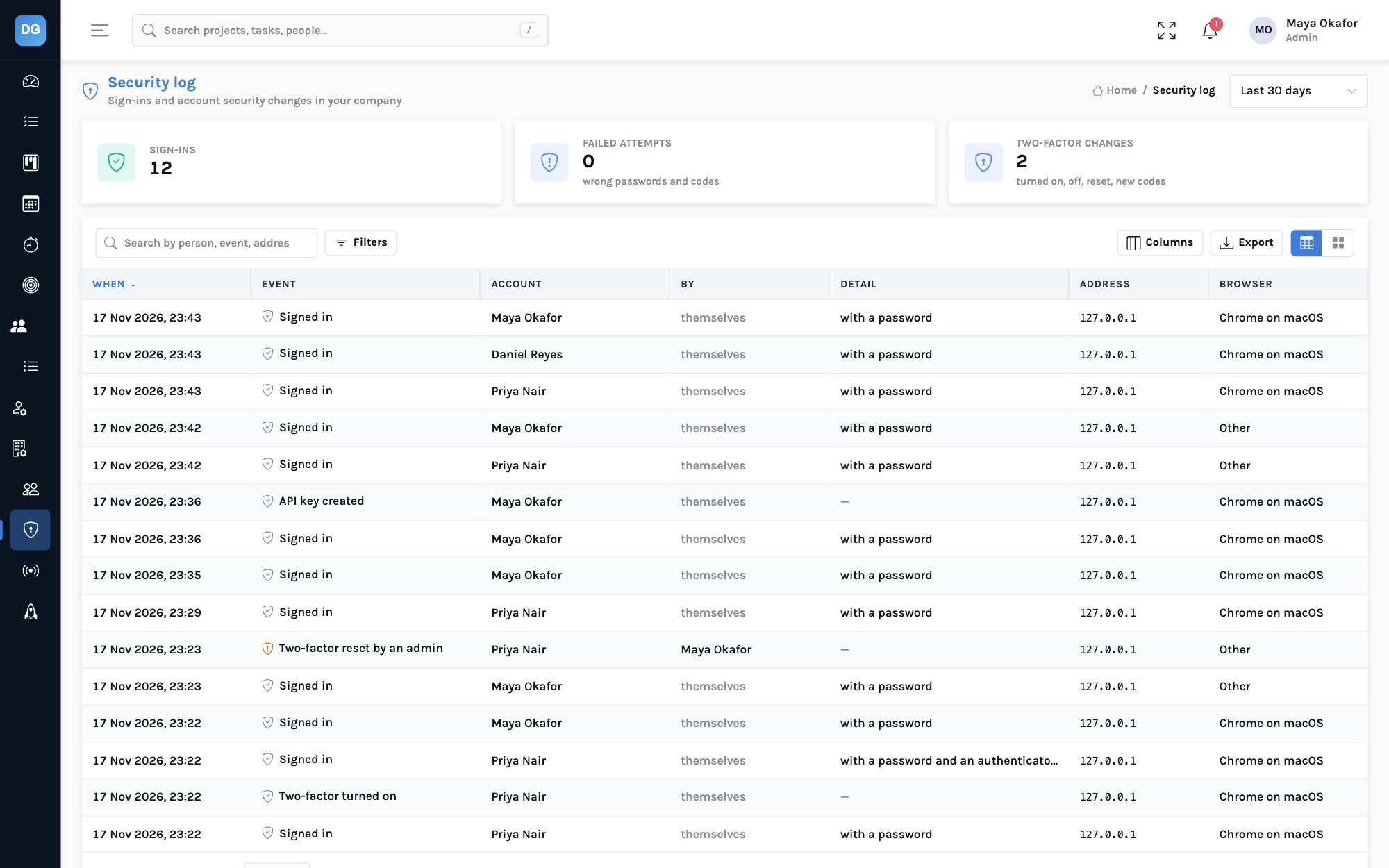
Admins see every sign-in and failed attempt, two-factor turned on, off or reset, password changes and resets, “sign out everywhere”, API keys created or revoked, and policy changes — with the address and browser. Filter, search and export. Nothing secret is ever recorded.
Connect scripts and other systems, safely
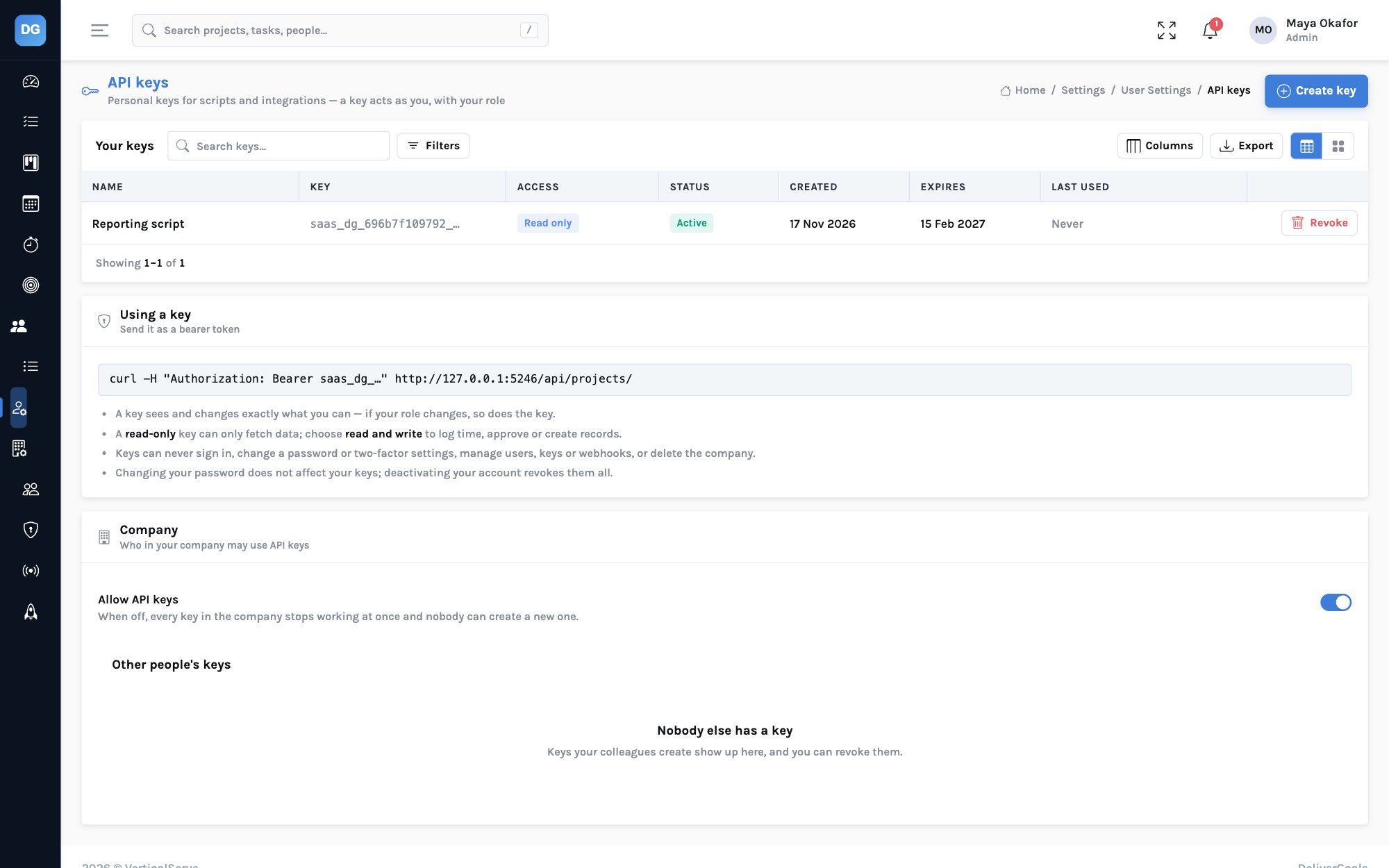
People create personal API keys that act as themselves: read-only by default, with an expiry, revocable, and unable to touch sign-in, security, settings or the AI. An admin can switch keys off for the whole company.
Webhooks tell other systems when tasks, comments, projects, goals or time change: signed with a secret, retried, and sent only to public HTTPS addresses.
What the product does
Stated plainly. DeliverGoals does not hold SOC 2 or ISO certifications and we make no certification claims.
| Area | What happens |
|---|---|
| Company isolation | Each company’s data is isolated from every other company’s |
| Request checks | Every request is checked against the company and the project membership of the person making it |
| Sessions | Short-lived signed access tokens; refresh tokens rotate; “sign out everywhere” is available |
| Sign-in protection | Account lockout and rate limiting on sign-in; a password policy |
| Uploads | Files are checked for type and size (25 MB per file) and are always served as downloads |
| Request limits | Limits per person and per network address |
| Transport | HTTPS, with security headers |
| Stand-up share links | Show one day’s stand-up, expire, and can be revoked |
| Two-factor | Authenticator codes and recovery codes; secrets encrypted; an admin policy and reset |
| Audit | A security log of sign-ins and account changes for admins |
| API keys | Only a hash is stored; read-only by default; never reach account or security routes; their own rate limit |
| Webhooks | HMAC-signed; HTTPS to public addresses only, checked when sent; no redirects; retries then automatic switch-off |
| Per-person choices, an hourly cap, one digest a day, and a one-click unsubscribe on every email | |
| Sign-up | A human check (Cloudflare Turnstile) on sign-up and password reset; self sign-up needs a registration code; Google sign-in creates accounts only for invited people |
| Imports | Files are checked and size-limited; nothing in them is run or fetched; drafts are deleted after a day |
| AI | Team-written text is passed to the model as data, never as instructions; output is cleaned; daily allowances |
What happens when someone opens a board
What you can find out
Each answer is on a screen you can open.
What teams use it for
Invite them by email; they join through their own invitation link and are added to projects.
People see the projects they are members of.
The table above is the list; anything not on it, ask us.